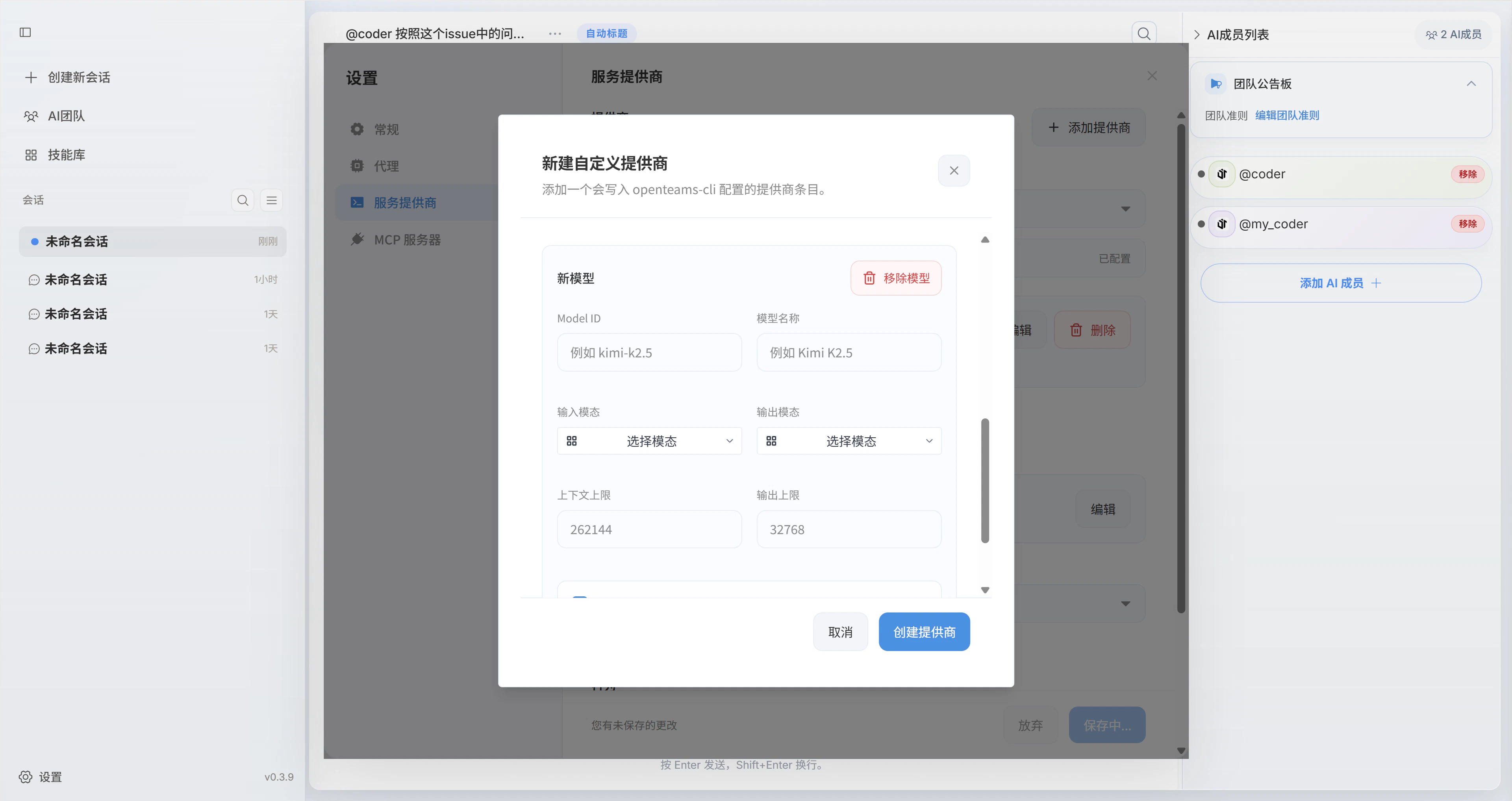
Configuration page
Go toSettings -> Service Providers and open the Service Providers configuration section.
Configure model providers
- Create a custom provider
- Supported providers
Create a provider
In the top-right area of the service provider settings page, click Add Provider, then fill in the provider ID, provider name, Base URL, API key, and SDK.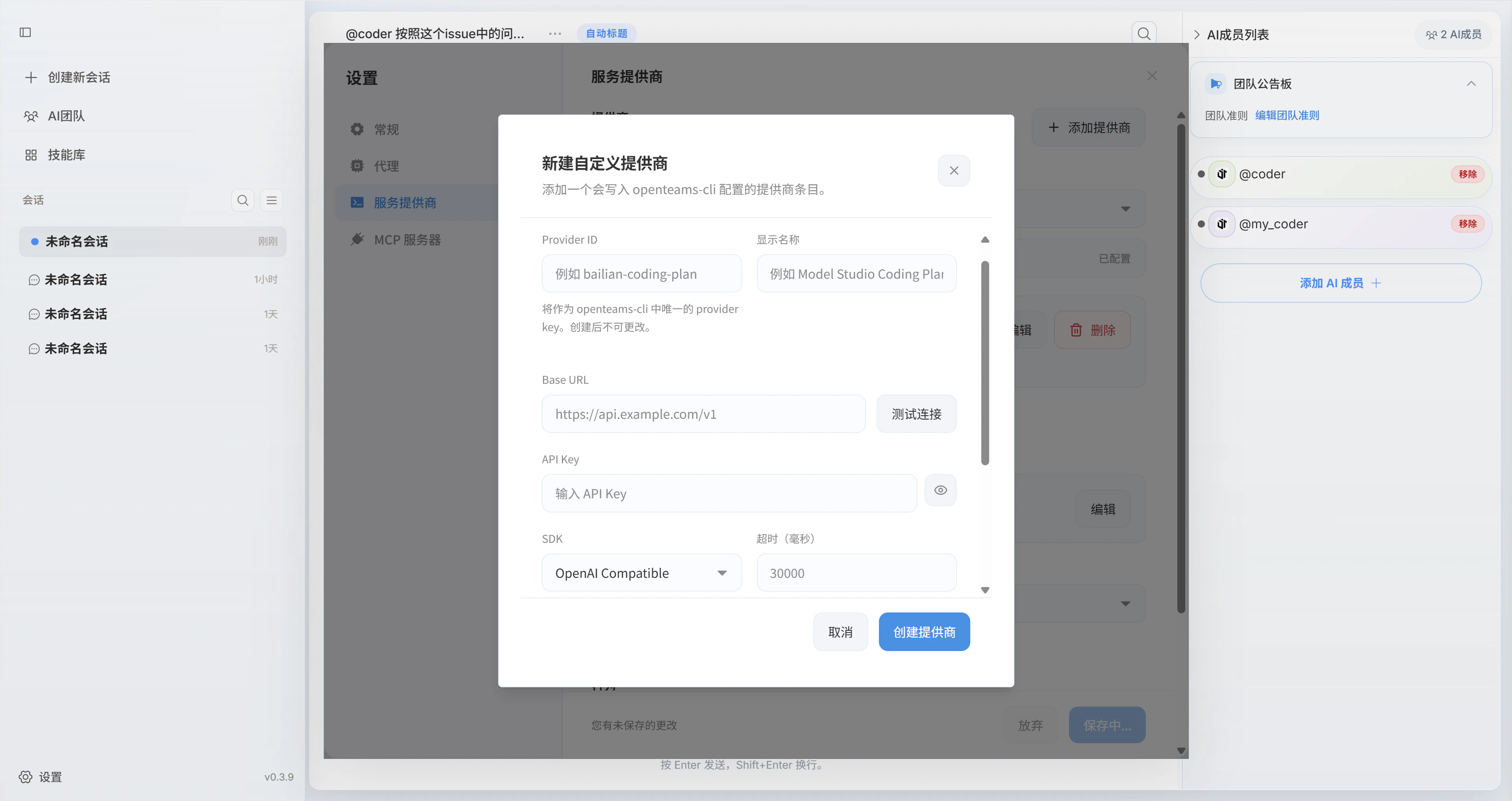
Configure models and save
Click Add Model, then fill in the model ID, display name, context limit, output limit, and input/output modalities before saving.